







Play Mecha Chameleon online, paint your character to match the scenery, hide from seekers, or hunt camouflaged players before time expires.

Here's a quick look at the game:
Mecha Chameleon is an online hide-and-seek game built around color matching, clever positioning, and visual deception. As a hider, you blend your chameleon into walls, furniture, decorations, and other scenery. As a seeker, you inspect the map and tag anything that looks slightly out of place.

What Is Mecha Chameleon?
Mecha Chameleon turns a simple game of hide-and-seek into a camouflage challenge. Hiders receive time to explore the map, choose a suitable location, copy nearby colors, and settle into a convincing pose. Seekers are then released and must find every hidden player before the timer reaches zero.
The challenge is not limited to finding a dark corner. Your body color, shape, position, and movement all affect how visible you are. A good hiding place can fail when your color is wrong, while an ordinary location can work when your camouflage fits the surrounding objects.
You can play Mecha Chameleon directly in a modern browser. The browser version supports online rooms, desktop controls, and touch controls, making it possible to join matches without installing a separate game client.
Game Overview
| Feature | Details |
|---|---|
| Game type | Online camouflage and hide-and-seek game |
| Main roles | Hider and Seeker |
| Main objective | Stay hidden or find every hidden chameleon |
| Multiplayer | Real-time online rooms |
| Desktop controls | Keyboard and mouse |
| Mobile controls | Touchscreen and virtual joystick |
| Main mechanics | Color copying, painting, posing, wall climbing, and searching |
| Available modes | Normal, Infection, and Versus |
| Maps | Multiple themed maps and a custom map editor |
How to Play Mecha Chameleon
A Mecha Chameleon match moves through a lobby, countdown, hiding phase, hunting phase, and results screen. The exact rules depend on the selected mode, but every round revolves around disguising characters and reading the environment.
Playing as a Hider
Your first task is to choose a hiding area before the preparation timer runs out. Look for walls, shelves, signs, boxes, decorations, or clusters of objects that can help break up your outline.
After finding a location, copy or paint your character with colors from the nearby scenery. A single flat color may work against a simple surface, but patterned or multicolored areas usually require more careful painting.
Next, change your pose or attach yourself to a surface. Mecha Chameleon lets hiders cling to walls and reach unusual positions, including higher hiding places that seekers may overlook. Once the hunting phase begins, remain still unless moving is absolutely necessary.
You win as a hider by avoiding detection until the round ends. Depending on the mode, getting tagged may eliminate you or turn you into another seeker.
Playing as a Seeker
Seekers must inspect the map and identify players disguised as part of the scenery. Instead of firing randomly, compare colors, outlines, shadows, and object placement.
Watch for shapes that do not match the rest of a pattern. A strange bump on a wall, an object with the wrong color, or a decoration placed at an unnatural angle may be a hidden player.
Movement is another major clue. A perfectly colored hider can reveal their position with a small turn, jump, or camera adjustment. Sweep each room carefully and check elevated surfaces as well as obvious floor-level hiding places.
When you spot a suspicious target, aim and fire paint to tag it. Seekers win by finding every remaining hider before time expires.
Game Modes
Normal Mode
Normal mode uses the clearest version of the Mecha Chameleon rules. Hiders prepare their disguises while seekers wait. Once the hunt starts, tagged hiders are removed from the active round.
The seekers win by catching every hider before the timer ends. The hiders win when at least one player remains undiscovered.
Infection Mode
In Infection mode, a tagged hider joins the seeker team instead of leaving the round. The number of hunters grows as more players are discovered, making the final part of the match increasingly difficult for the remaining hiders.
Early camouflage is especially important in this mode. A weak disguise does not only remove one hider; it also gives the opposing side another player who can search the map.
Versus Mode
Versus mode removes the fixed team structure. Players begin by hiding and preparing their camouflage, but everyone becomes a hunter when the timer changes.
The objective is to tag more opponents than the other players. A strong opening position can protect you during the first moments of the hunt, but you eventually need to move and search if you want to climb the scoreboard.
Mecha Chameleon Controls
Desktop Controls
| Action | Control |
|---|---|
| Move | WASD |
| Look around | Drag or move the mouse |
| Paint while hiding | Left Mouse Button |
| Change pose | Right Mouse Button |
| Zoom camera | Mouse Wheel |
| Aim as seeker | Click to lock the mouse, then move it |
| Fire paint | Left Mouse Button or F |
| Release mouse lock | Esc |
The interface may display additional buttons for wall clinging, jumping, climbing, emotes, or other actions. Check the on-screen prompts when a round begins, especially after an update.
Mobile Controls
On mobile, use the virtual joystick to move and swipe across the screen to control the camera. While hiding, tap surfaces or use the painting interface to copy nearby colors. The rotate and wall-cling buttons help align your character with the environment.
As a seeker, swipe to aim and hold or tap the fire button to shoot paint. A larger screen can make small color differences easier to notice, but the full game remains playable through a phone browser.
Maps and Hiding Environments
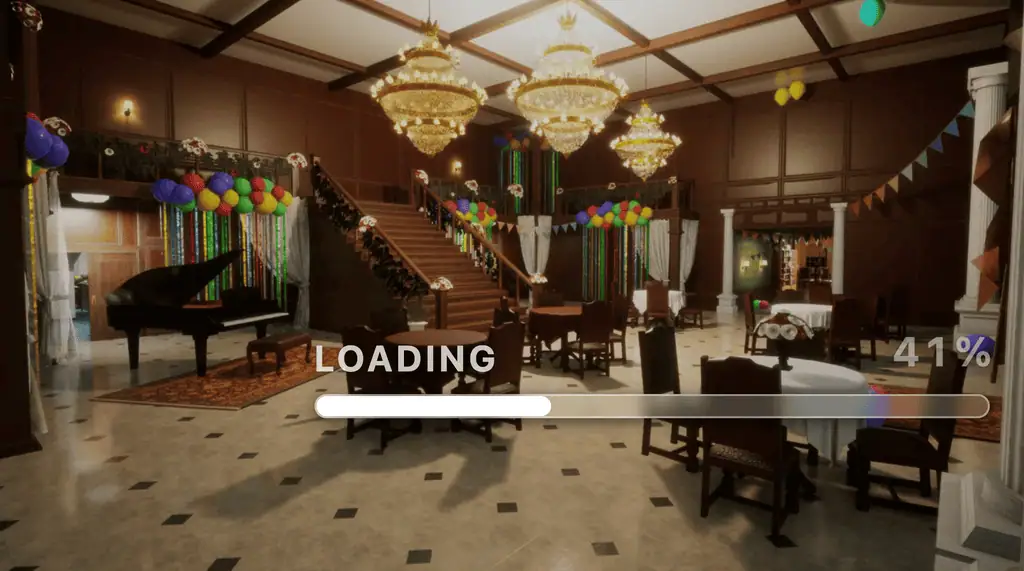
The browser version of Mecha Chameleon includes a collection of themed maps with different colors, layouts, and hiding opportunities. Locations include environments such as a farm, toy room, supermarket, art gallery, subway, mansion, swimming pool, cold-storage area, Viking hall, candy-themed world, Osaka street, and the Backrooms.
Each environment rewards a different hiding method. A toy room may contain bright shapes and crowded shelves, while a subway map may offer long walls, signs, benches, and darker corners. Reusing the same strategy on every map makes your disguise easier to predict.
Mecha Chameleon also includes a map editor for creating custom layouts. User-made maps can change the usual balance by introducing new surfaces, object arrangements, vertical routes, and unexpected hiding zones.
Tips for Better Camouflage
Choose Your Location Before Painting
Do not begin painting in the middle of an open room. Find a usable hiding area first, then copy its colors. This prevents you from wasting the preparation phase on a disguise that does not fit your final location.
Match the Background Pattern
Color is only one part of camouflage. When hiding against tiles, stripes, panels, or decorated walls, recreate part of the visible pattern on your body. A solid green character still looks suspicious against a green-and-white checkered surface.
Break Up Your Silhouette
Seekers naturally notice the outline of a character. Use a low pose, turn toward a wall, or cling to a surface so your body does not resemble a standing player.
In Mecha Chameleon, an imperfect color match can survive when the pose looks like part of the room. A perfect color match may fail immediately when the body shape remains obvious.
Use Clutter Instead of Empty Walls
Busy corners are more forgiving than large blank surfaces. Shelves, boxes, signs, plants, and decorations give seekers more shapes to inspect and make small painting mistakes less noticeable.
A plain wall provides no visual noise. Only use one when you can align your color, position, and outline very accurately.
Stop Moving During the Hunt
Small movements attract attention quickly. Once the seekers enter, avoid unnecessary camera adjustments, jumps, and turns. Choose your final angle during preparation and hold it.
Relocate only when a seeker has clearly moved away or when your current position has already been exposed.
Check High and Low Areas
Seekers often scan at normal eye level. Hiding close to the floor, above a doorway, against a ceiling, or near the top of a wall can delay detection.
When seeking, reverse this idea. Check beneath furniture, above decorations, around ceiling edges, and behind objects before leaving a room.
Search in Sections
As a seeker, divide each room into zones. Inspect the floor and low objects, then the central furniture, walls, and ceiling. A consistent search pattern reduces the chance of overlooking a well-painted player.
Avoid chasing every colorful object immediately. First ask whether its shape, shadow, placement, or movement differs from nearby scenery.
Why Players Keep Playing
Mecha Chameleon creates different situations even when you return to the same map. Other players choose new hiding locations, invent unusual paint patterns, and use poses in ways that can make familiar rooms feel unpredictable.
The short round structure also makes experimentation practical. You can test a risky wall position, try to imitate a sign, hide among brightly colored objects, or use an intentionally strange disguise as a distraction. Failed ideas usually become useful lessons for the next match.
Playing both roles improves your overall skill. Seeking teaches you which details expose a disguise, while hiding teaches you where players naturally look first. Over time, Mecha Chameleon becomes less about finding the darkest corner and more about understanding how people scan a scene.
Who Should Play Mecha Chameleon?
Mecha Chameleon suits players who enjoy hide-and-seek games, visual puzzles, creative customization, and short multiplayer rounds. It does not require complicated combat combinations, but it rewards patience, observation, and quick decisions during the preparation timer.
The browser format also makes it useful for groups that want to start a shared game quickly. You can create or join a room, learn the basic controls in one round, and gradually improve your disguises without following a long progression path.
FAQ
Can you play Mecha Chameleon online?
Yes. The browser version supports real-time online rooms that you can join through a modern web browser.
Is Mecha Chameleon multiplayer?
Yes. Players compete as hiders and seekers, with the exact team rules determined by the selected game mode.
Can you play Mecha Chameleon on mobile?
Yes. The browser version supports touchscreen movement, camera controls, painting, aiming, and firing on compatible mobile browsers.
What is the goal of Mecha Chameleon?
Hiders must camouflage themselves and survive until time expires, while seekers must tag every hidden player.
How do you paint your character?
On desktop, use the left mouse button while hiding. On mobile, use the on-screen painting controls and tap suitable surfaces or colors.
What is the best beginner strategy?
Choose a cluttered hiding place quickly, match the nearby colors, use a pose that breaks your outline, and remain completely still when seekers approach.