








Escape Road 3 is an open-world police chase game where you drive, run, swim, switch vehicles, collect cash, use support items, and survive escalating pursuit.
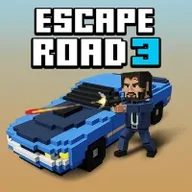
Here's a quick look at the game:
Escape Road 3 expands the series beyond a simple car getaway. You begin behind the wheel with police closing in, but a damaged vehicle does not always end the run. You can escape on foot, swim through water, steal another car, use boats or aircraft, and enter special missions that temporarily change your objective.

What Is Escape Road 3?
Escape Road 3 is a browser-based driving and survival game developed by AZGames. Your main goal is to stay free for as long as possible while police cars, helicopters, roadblocks, military vehicles, traffic, and environmental hazards make every route more dangerous.
The chase takes place across a large world containing city streets, suburbs, farmland, desert areas, and open water. Your vehicle moves forward automatically, so you spend most of the chase steering, braking, reading the terrain, and deciding when to leave a damaged car.
Cash collected during a run can be used for spins that unlock vehicles and playable characters. Escape Road 3 also adds support items, achievement missions, Mythic vehicles, and mini-games such as F1 racing, firefighting, zombie combat, treasure hunting, and alien defense.
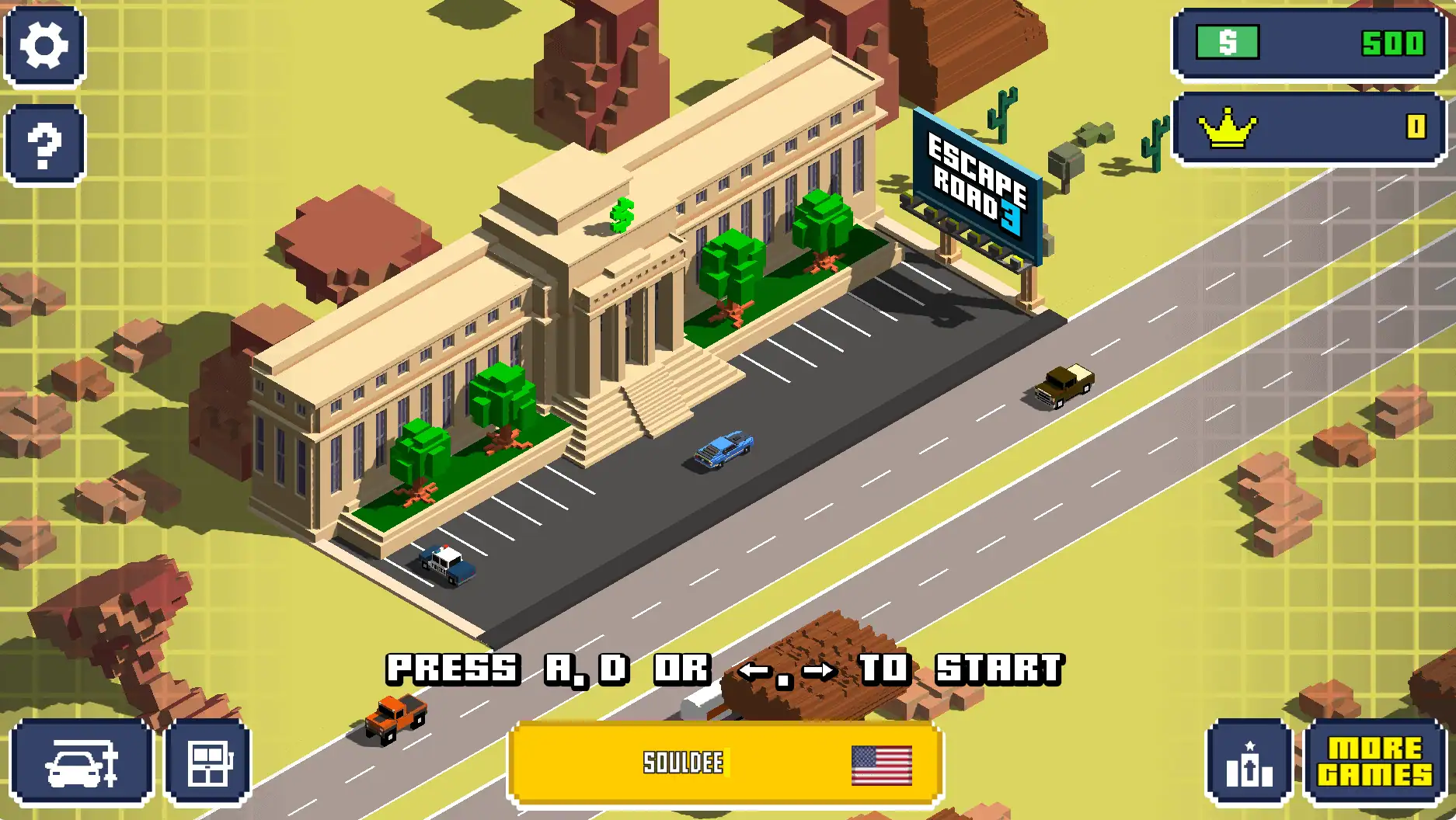
Game Overview
| Game Detail | Information |
|---|---|
| Genre | Driving, action, and survival |
| Developer | AZGames |
| Release | April 2026 |
| Main Objective | Survive the police chase for as long as possible |
| Main Progression | Collect cash and unlock vehicles or characters |
| Environments | City, suburbs, farmland, desert, ocean, and other areas |
| Vehicles | More than 90 vehicles are listed |
| Characters | More than 30 unlockable characters |
| Special Content | Support items, achievements, mini-games, and Mythic vehicles |
| Platform | Web browser |
| Multiplayer | Not clearly listed on the main game page |
| Download Required | No download is required for browser play |
How to Play Escape Road 3
A run begins with your selected car and character. The vehicle accelerates automatically, and the police immediately begin following you. Steer through streets, avoid buildings and traffic, collect cash, and keep enough open space to escape when more units arrive.
The longer you survive in Escape Road 3, the more intense the pursuit becomes. Police vehicles approach from several directions, helicopters track your movement, and heavier units can block wide roads. You need to create turns and route changes before the chase becomes a complete surround.
Keep Moving Through the Chase
Stopping in an exposed location gives police vehicles time to form a circle around you. Keep the car moving whenever a safe route is available, even when that route does not lead directly toward a cash pickup.
Long straight roads help you build distance, but they also make your movement predictable. Use intersections, alleys, bridges, and open terrain to change direction before the pursuers align behind you.
Escape Road 3 rewards controlled movement more than constant reckless turning. A sharp turn can break the chase line, but turning directly into a wall, parked vehicle, or unfinished bridge may leave you trapped.
Watch More Than the Road Ahead
Do not focus only on the center of your vehicle. Look toward the edges of the screen for approaching police cars, environmental dangers, support-item arrows, and possible escape routes.
Buildings can briefly hide parts of the chase, making sudden collisions more likely. The settings menu includes graphical options that may improve performance, while a see-through-objects option can make activity behind structures easier to follow.
When Escape Road 3 becomes crowded, choose the route with the most open space rather than the route with the most cash. A small reward is rarely worth driving into a narrow dead end.
Leave a Damaged Vehicle
One of the most important changes in Escape Road 3 is the ability to continue after losing control of a car. Press Spacebar to exit, then move toward another vehicle and press Spacebar again to enter it.
Do not wait until the police have completely boxed you in. Leaving slightly early gives your character room to reach another car, water route, boat, or aircraft.
On-foot movement is slower and more vulnerable than driving, so treat it as a transition rather than a safe long-term strategy. Identify your next vehicle before abandoning the current one whenever possible.
Use Water as an Escape Route
Falling into water does not always cause an immediate defeat. Your character can swim, reach a boat, or return to land and continue the chase.
Water routes can separate you from police cars, but boats and swimming create their own risks. Military boats may enter the pursuit, and remaining exposed in open water can make you an easy target.
In Escape Road 3, water is most useful when it connects two practical routes. Enter it with a destination in mind instead of swimming without knowing where the next vehicle or shoreline is located.
Collect Cash and Unlock Content
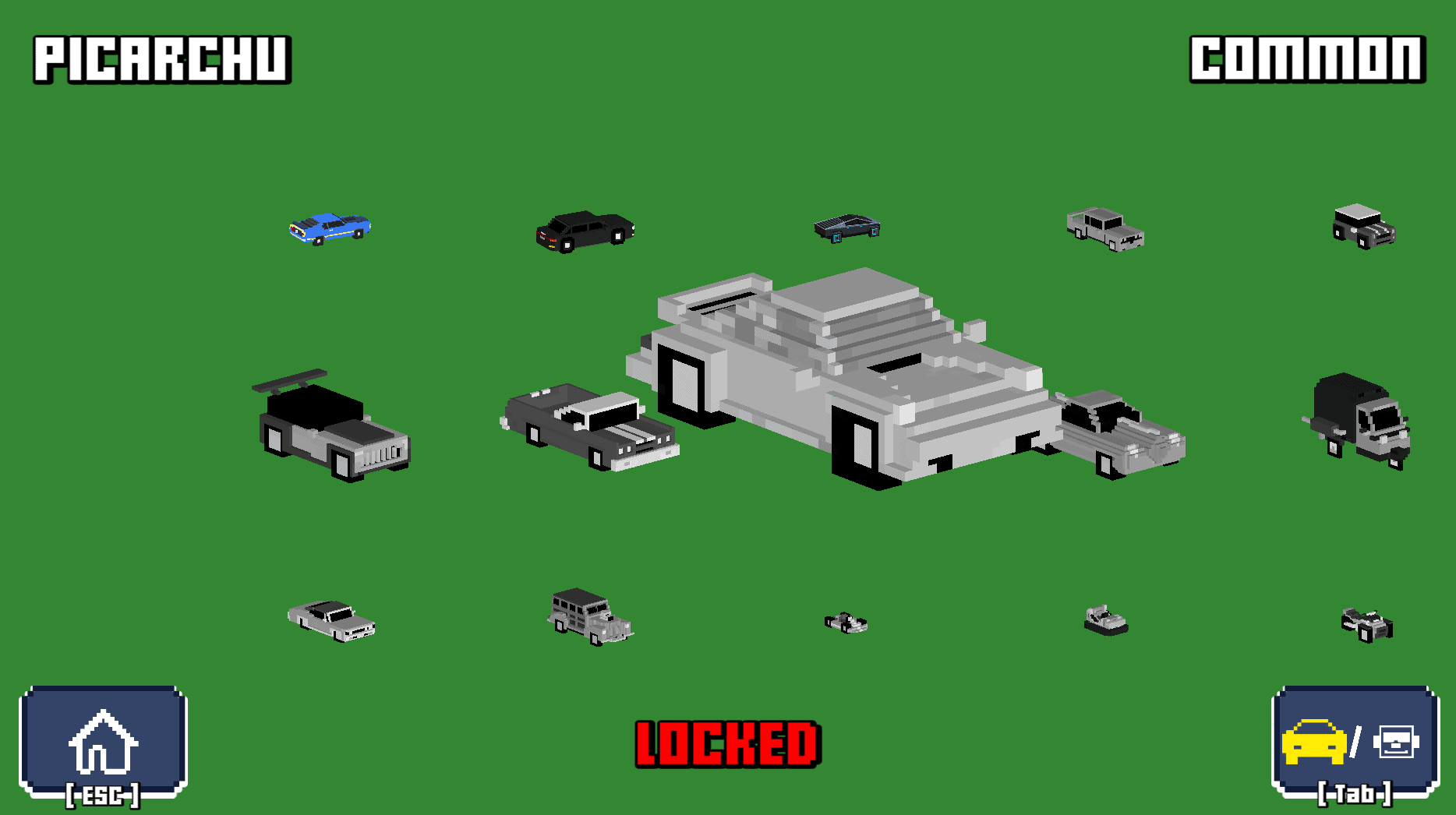
Cash appears throughout the world and is also awarded through achievements and special activities. You can spend it on the game’s spin system to unlock vehicles and characters of different rarities.
The available vehicle categories include Common, Rare, Epic, Legendary, and Mythic. Higher rarity does not remove the need for careful driving, but stronger vehicles can provide better speed, durability, or special advantages.
Characters also have different power statistics. Test several combinations instead of assuming that one unlock will work best for every Escape Road 3 route or mini-game.
Support Items
Escape Road 3 includes eight support items that can appear during a run. A helicopter may drop an item, and an on-screen arrow can guide you toward its location.
Collected items can provide healing, movement assistance, stronger attacks, or other temporary advantages. Press F to activate the equipped support item.
You can hold a limited number of items, so avoid using them immediately without checking the situation. A powerful attack or defensive effect is more valuable when heavy police units have surrounded you than when only one patrol car is nearby.
Some effects continue when you exit one vehicle and enter another. This makes support items useful during emergency vehicle changes, especially when your original car is already smoking or close to destruction.
Mini-Games and Achievement Missions
Escape Road 3 places structured challenges inside its open-world chase system. Arrows and achievement objectives can lead you toward activities that replace the normal getaway goal for a short time.
F1 Racing
The F1 activity focuses on speed, track control, and clean cornering. Follow the racing route and avoid losing momentum through unnecessary collisions.
Firefighting
Firefighting missions ask you to reach burning locations and control the emergency vehicle while completing the required objectives. Route planning matters because city traffic can delay your response.
Zombie Battles
Zombie missions change the focus from avoiding police to surviving or clearing hostile targets. Use the available vehicle or weapon carefully and avoid becoming trapped by large groups.
Ocean and Treasure Missions
Water-based activities encourage you to explore beyond the streets. Control boats, follow mission markers, and watch for obstacles or pursuing units in open water.
Alien Invasion
Alien challenges turn the chase into a defense mission. Your objective becomes stopping an invasion rather than simply escaping, creating a different use for weapons and special vehicles.
Completing starred achievements can provide exclusive vehicles or items. Check the achievement menu regularly so you know which actions can produce better rewards during a normal Escape Road 3 run.
Escape Road 3 Controls
| Action | Control |
|---|---|
| Steer left | A or Left Arrow |
| Steer right | D or Right Arrow |
| Brake or reverse | S or Down Arrow |
| Enter or exit a vehicle | Spacebar |
| Use a support item | F |
| Switch garage tabs | Tab |
| Aim a weapon when available | Right-click or G |
| Fire a weapon when available | Left-click |
| Mobile steering | Press the left or right side of the screen |
Most cars accelerate automatically. You do not normally need to hold W, so concentrate on steering and braking before corners, obstacles, or broken sections of road.
Tips for Surviving Longer
Brake Before You Are Trapped
Use the brake before entering a dead end, crowded intersection, or unfinished bridge. An early slowdown gives you time to turn, reverse, or leave the vehicle.
Make Police Vehicles Crash
Turn near buildings, barriers, water, and other obstacles to force pursuing vehicles into bad lines. Do not hit the obstacle yourself; change direction early enough to pass it safely.
Keep an Exit Route Open
Driving into a narrow alley may remove several pursuers, but it can also leave you without space to turn. Check where the route leads before committing to it.
Save Support Items for Heavy Pressure
A basic police car may not justify using your strongest item. Save powerful effects for military vehicles, large groups, or situations where every escape route is blocked.
Explore Outside the City
Deserts, farmland, suburbs, and ocean routes often provide more room than dense city streets. Open terrain can make pursuers easier to see and give you more time to react.
Do Not Abandon a Smoking Car Too Soon
Vehicle damage is a warning, not always an immediate failure. Continue driving when the route is open, but begin searching for a replacement before the car becomes unusable.
Follow Reward Arrows Carefully
An arrow may lead toward a support item, vehicle, or special activity. Check the surrounding roads before following it directly, because the shortest path may contain water, traffic, or a dead end.
Lower the Graphics When Needed
Delayed steering makes Escape Road 3 much harder. Select a lower graphics setting when the game stutters, especially on an older phone, tablet, Chromebook, or low-spec computer.
Why Players Keep Playing
Escape Road 3 creates more variety than a standard endless driving game. One run may stay inside the city, while another can continue through desert roads, water routes, aircraft, character movement, and a full mini-game.
The unlock system also gives collected cash a clear purpose. Each spin can add a new vehicle or character, while achievement rewards provide specific long-term targets beyond simply surviving for another few seconds.
The chase is easy to understand but difficult to control once police pressure increases. Improving your score depends on better route reading, earlier decisions, careful support-item use, and knowing when to switch vehicles.
Escape Road 3 is best suited to players who enjoy police chases, top-down driving, quick restarts, vehicle collection, and unpredictable sandbox action. It is less suitable for players looking for realistic racing physics, fixed laps, or a story-driven campaign.
FAQ
Can you play Escape Road 3 online?
Yes. Escape Road 3 can be played directly in a supported web browser without installing the game.
What is the goal of Escape Road 3?
Your goal is to survive the escalating police pursuit while collecting cash, switching vehicles, and completing optional missions.
Does the car accelerate automatically?
Yes. Most driving uses automatic acceleration, leaving you to control steering, braking, and vehicle changes.
How do you leave a car?
Press Spacebar to exit your current vehicle or enter another nearby vehicle.
What does the F key do?
Press F to activate a collected support item.
Can you swim in Escape Road 3?
Yes. Your character can enter the water, swim toward land, or reach a boat to continue the escape.
How do you unlock new cars and characters?
Collect cash and use the spin system, or complete achievements that award exclusive content.
Are there mini-games in Escape Road 3?
Yes. Escape Road 3 includes activities such as F1 racing, firefighting, zombie battles, ocean missions, treasure hunting, and alien defense.
What should you do when the game lags?
Open the settings and lower the graphics quality. Disabling extra visual options may also improve performance on weaker devices.