







Magic Tiles 3 is a fast piano rhythm game where you tap black tiles in time with the music and avoid missing notes. The idea is simple, but the challenge builds quickly: one missed tile can break the song, end your run, or cost you a high score.
Here's a quick look at the game:
What is Magic Tiles 3?
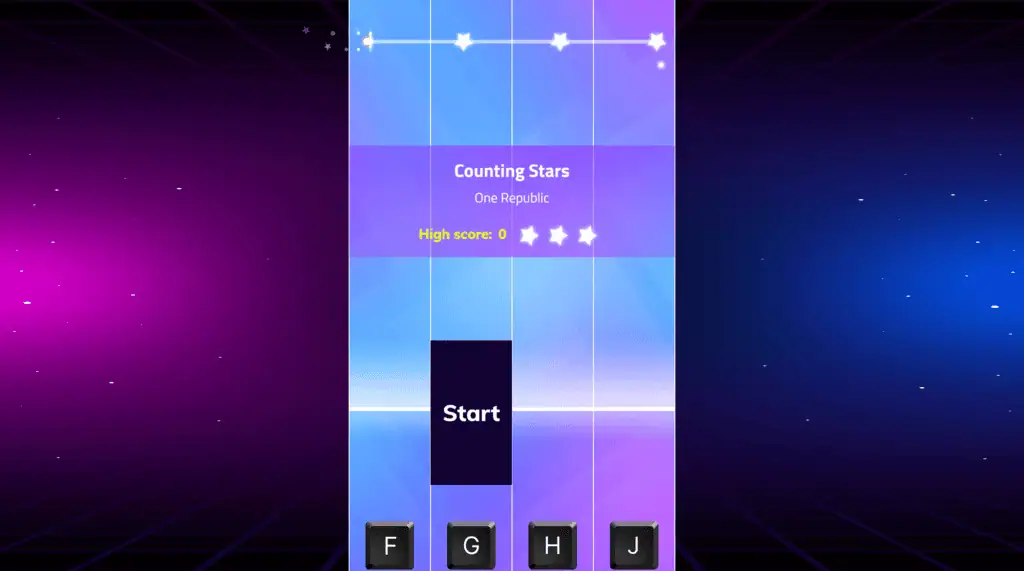
Magic Tiles 3 is a music and rhythm game from Amanotes, built around quick taps, clean timing, and song-based challenges. You play by following falling piano tiles across multiple lanes, tapping each one as it reaches the playable area.
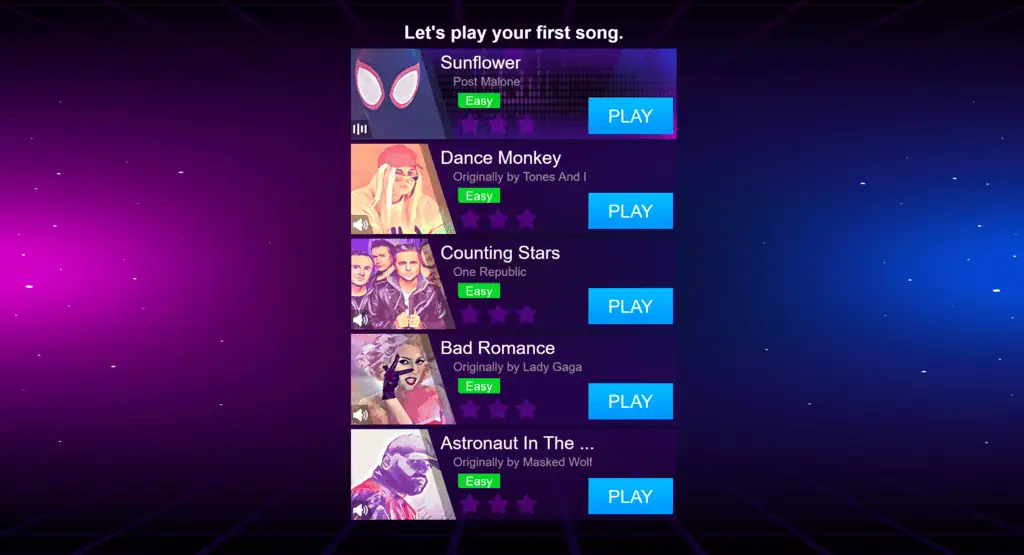 The mobile version is available as a free download with ads and in-app purchases, while browser versions let you play online without installing the app. The available songs, modes, rewards, and features may vary depending on where you play.
What makes Magic Tiles 3 work is how quickly it turns a familiar song into a reflex test. You are not just listening to the track; you are trying to keep up with it.
Magic Tiles 3 Game Overview
| Item | Details |
|---|---|
| Developer | Amanotes Pte. Ltd. |
| Genre | Rhythm, Music, Piano, Arcade |
| Core Gameplay | Tap black tiles in rhythm, avoid mistakes, and keep your combo going |
| Platform | Web browser, Android, iOS, PC via Google Play Games |
| Play Style | Fast-paced, skill-based, timing-focused |
| Best For | Players who enjoy music games, reaction challenges, and short score-chasing runs |
How to Play Magic Tiles 3
In Magic Tiles 3, tiles move through four lanes while the song plays. Your job is to hit the correct tiles at the right moment. Short tiles need quick taps, while longer tiles usually need to be held until the note ends.
The most important rule is simple: tap the black tiles and avoid the white space. Missing a tile, tapping too early, or hitting the wrong lane can stop the music and end the attempt, depending on the mode or version you are playing.
As songs get harder, the patterns become faster and less forgiving. You may see double tiles, long holds, quick repeated notes, and sudden lane switches. The game rewards rhythm, but it also tests your eyes and fingers.
Timing
Do not chase the tile too early. Watch the lower part of the lane and tap when the tile reaches the hit area. Playing by sound helps, but visual timing is just as important when the speed increases.
Pattern Reading
Try to read tiles in small groups instead of reacting to each tile one by one. When you notice a left-right-left pattern or a repeated lane, your fingers can move more smoothly.
Mistake Recovery
The best way to improve is to restart quickly and replay the same song until the pattern becomes familiar. Many difficult sections feel impossible at first, then become much easier once your hands remember the rhythm.
Magic Tiles 3 Controls
Controls depend on the version you are playing. Browser versions commonly use keyboard, mouse, or touchscreen input.
| Action | Control |
|---|---|
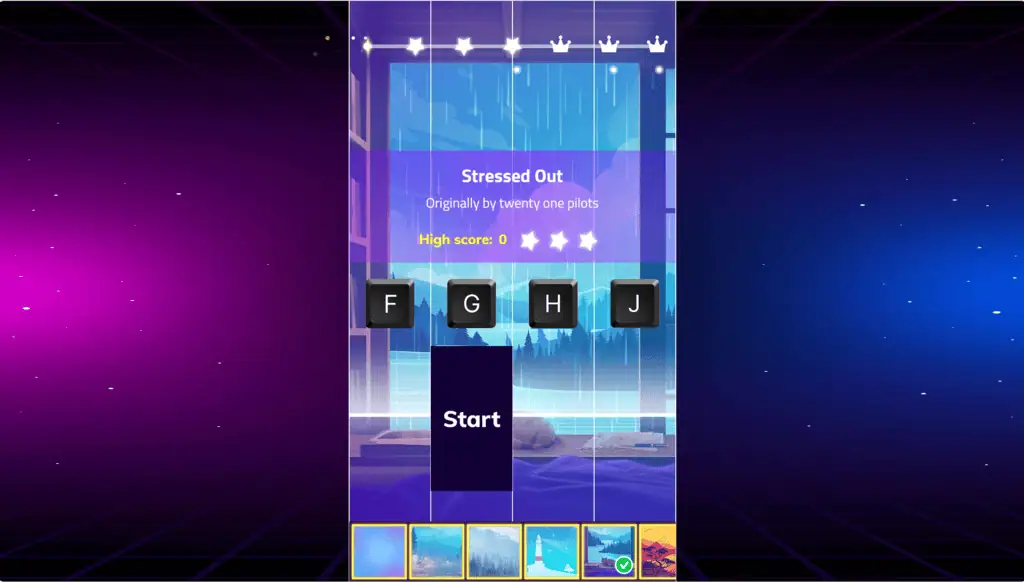
| Tap Lane 1 | F |
| Tap Lane 2 | G |
| Tap Lane 3 | H |
| Tap Lane 4 | J |
| Tap Tiles Directly | Mouse click |
| Mobile Play | Touch the tiles on screen |
| Hold Long Notes | Hold the key, mouse, or finger until the note ends |
On phones and tablets, touch controls usually feel the most natural because you can tap the tiles directly. On desktop, FGHJ works well because your four fingers line up with the four lanes.
Tips and Tricks for Magic Tiles 3
Start with slower songs before jumping into hard or expert tracks. Accuracy matters more than speed when you are learning, because a clean rhythm base makes fast patterns easier later.
Keep your fingers close to the keys or screen. Big movements waste time, especially when the song throws quick double taps or repeated notes at you.
For keyboard play, place your fingers on F, G, H, and J before the song begins. Do not look down at the keyboard. Your eyes should stay on the tiles, especially the lower half of the lanes.
When long notes appear, do not release too early. Hold them until the tile is finished, then prepare for the next note immediately. Long notes often hide tricky follow-up patterns.
For double tiles, use two fingers at the same time instead of trying to tap one after the other. This is one of the first skills that separates casual play from high-score play.
If a song feels too fast, replay it several times instead of switching immediately. You will start recognizing the hard section, and that recognition is often more useful than raw reaction speed.
Why Players Like Magic Tiles 3
Magic Tiles 3 is easy to understand within seconds. You see a tile, tap it, and instantly hear your action connect with the music. That direct link between sound and movement is the main reason the game feels satisfying.
It also works well in short sessions. One song is enough for a quick break, but chasing a perfect run can easily turn into several retries.
Players who like score improvement will enjoy the clean learning curve. At first, you are just trying not to miss. Later, you start caring about streaks, clean holds, double notes, and harder song levels.
The song library is also a major draw. The official mobile listings highlight a large catalog with pop, EDM, hip-hop, instrumental, jazz, and other music styles, though exact availability can depend on the version and region.
Games Like Magic Tiles 3
If you enjoy Magic Tiles 3, you may also like:
- Piano Tiles - another tap-the-tile rhythm challenge.
- Tiles Hop - a music game focused on bouncing and lane movement.
- Beat Blader 3D - a rhythm action game with obstacle slicing.
- Looper - a music puzzle game built around timing loops.
- Friday Night Funkin’ - a rhythm battle game with arrow-based inputs.
Magic Tiles 3 FAQ
Is Magic Tiles 3 free to play?
Yes. The mobile version is listed as free with ads and in-app purchases. Browser versions are also commonly playable online for free, though features and song access may differ by site or platform.
Can I play Magic Tiles 3 online without downloading?
Yes, browser versions of Magic Tiles 3 are available to play online without downloading. The browser version may not include every feature from the mobile app.
What are the controls for Magic Tiles 3?
On desktop browser versions, the controls are often F, G, H, and J for the four lanes. You may also be able to click tiles with the mouse. On mobile, you usually tap the tiles directly on the screen.
Is Magic Tiles 3 available on mobile?
Yes. Magic Tiles 3 is available on Android and iOS. It is also listed for PC play through Google Play Games on PC.
What is the goal of Magic Tiles 3?
The goal is to tap every black tile in time with the music, avoid wrong taps, and keep the song going. Better timing helps you build stronger combos and higher scores.
Is Magic Tiles 3 multiplayer?
The mobile app listing describes online and battle-style multiplayer features. Browser versions may be single-player or limited depending on the site hosting the game.
Are there any beginner tips for Magic Tiles 3?
Start slow, keep your fingers ready, and focus on accuracy before speed. Watch the hit area near the bottom of the lanes, and replay difficult songs until the pattern feels familiar.