








Play Moto X3M online, race through obstacle-filled tracks, perform flips, beat the clock, and earn three stars with precise landings.
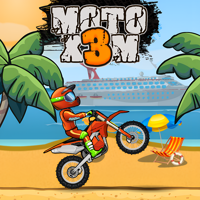
Here's a quick look at the game:
Moto X3M is a side-scrolling motorcycle stunt game where you race through dangerous tracks filled with ramps, loops, saw blades, explosives, moving platforms, and collapsing structures. Your goal is to reach the finish line quickly without crashing, while using controlled flips to reduce your final time.
What Is Moto X3M?
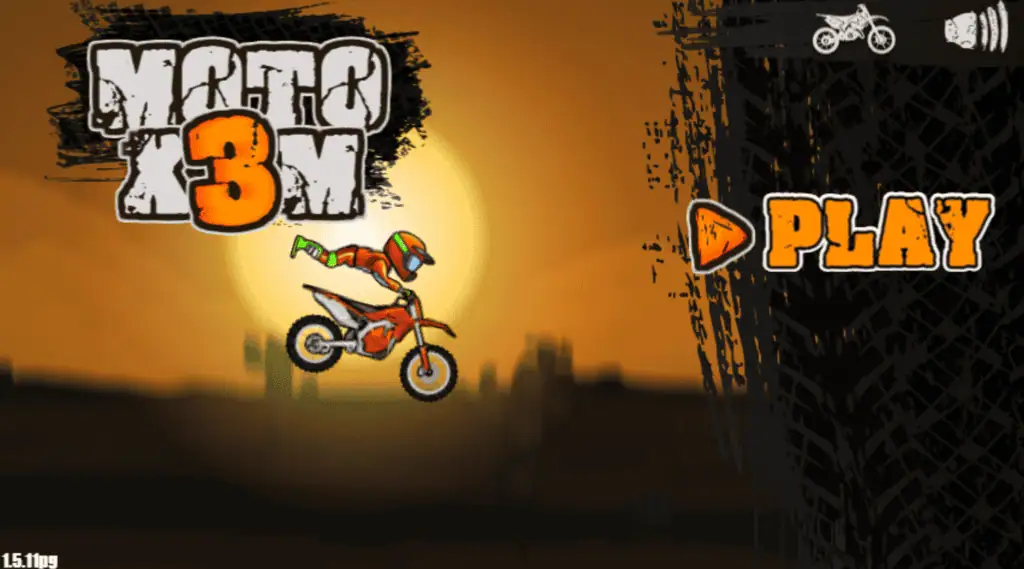
Moto X3M combines time-trial racing with physics-based obstacle courses. You control the speed and angle of a dirt bike, but every track is designed to interrupt a simple full-speed run.
One moment you may be riding through a loop, and the next you may need to brake before a rotating blade or land on a platform that begins moving as soon as you touch it. Moto X3M rewards players who learn the course, adjust their speed, and position the bike correctly before each landing.
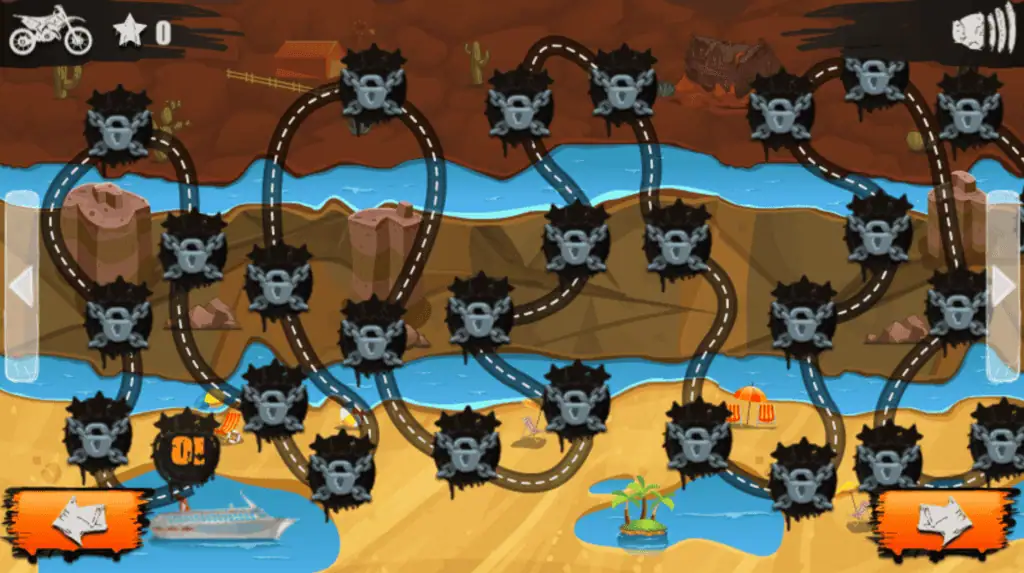
Finishing a level is only the first goal. Moto X3M gives you up to three stars based on your completion time, encouraging you to replay tracks and search for faster routes.
Game Overview
| Game Detail | Information |
|---|---|
| Game | Moto X3M |
| Genre | Motorcycle racing and stunt platformer |
| Main objective | Reach the finish line as quickly as possible |
| Main challenges | Traps, ramps, explosions, loops, and moving obstacles |
| Scoring | Up to three stars based on completion time |
| Developer | MadPuffers |
| Game mode | Single-player |
| Browser support | Desktop, phone, and tablet |
| Desktop controls | Arrow keys |
| Mobile controls | On-screen buttons |
| Progression | Complete stages, earn stars, and unlock bikes |
| Level count | Varies between available browser and mobile versions |
How to Play Moto X3M
Each Moto X3M level begins when you start moving. The timer tracks your run, so hesitation costs time, but immediately holding the accelerator can also send you directly into an unseen trap.
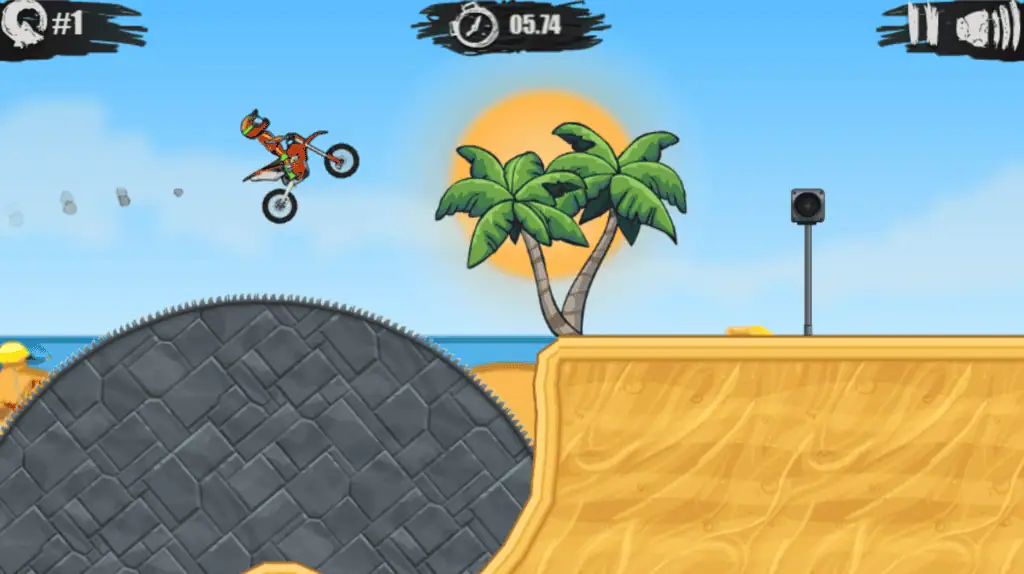
You need to balance speed with control. Accelerate across safe ground, reduce speed before complicated machinery, and adjust the bike in midair so both wheels meet the next surface at a stable angle.
Accelerate Through Safe Sections
Use the Up Arrow to move forward. Long flat sections, wide ramps, and familiar downhill areas are usually good places to maintain speed.
Moto X3M often places hazards immediately after fast sections, however. Watch the track ahead instead of focusing only on your rider. A wall, explosive barrel, or moving blade may require you to release the accelerator earlier than expected.
Brake Before Dangerous Obstacles
Press the Down Arrow to brake. Slowing down is useful when approaching narrow platforms, timed traps, steep drops, or obstacles that move in a repeating pattern.
Braking does not always mean stopping completely. A short tap may give you enough control to enter a jump at a safer speed without losing several seconds.
Balance the Bike in Midair
Use the Left Arrow and Right Arrow to rotate or balance your bike. These controls are essential when climbing steep slopes, descending ramps, and preparing for landings.
Try to make both wheels contact the ground close together. Landing heavily on the front wheel can throw the rider forward, while landing at an extreme rear angle can make the bike flip backward.
Moto X3M becomes much easier when you stop treating the rotation keys as stunt buttons only. Small adjustments are often more valuable than complete flips.
Reach Checkpoints
Tracks contain checkpoints that save your position. When you crash after reaching one, Moto X3M restarts you from that checkpoint instead of returning you to the beginning.
Your timer continues to affect the final result, so repeated crashes can reduce your star rating. Checkpoints help you learn difficult sections, but a clean run is still necessary when you are chasing three stars.
Moto X3M Controls
| Action | Control |
|---|---|
| Accelerate | Up Arrow |
| Brake | Down Arrow |
| Lean or rotate backward | Left Arrow |
| Lean or rotate forward | Right Arrow |
| Restart after a crash | Use the on-screen restart prompt |
| Mobile movement | Tap the on-screen control buttons |
On mobile devices, Moto X3M displays touch controls that perform the same basic actions. The layout may look different from the desktop version, but you still control acceleration, braking, and bike rotation.
How Flips Affect Your Time
Flips are not included only for style. Completing a front flip or backflip can remove time from your final result, making stunts important when you are trying to earn three stars.
A completed flip commonly reduces the recorded time by 0.5 seconds. Large jumps may provide enough space for multiple rotations, but every additional flip increases the risk of a bad landing.
In Moto X3M, the best stunt opportunity is usually a high jump with a clear landing area. Avoid attempting a flip when the next platform is close, narrow, angled sharply, or surrounded by hazards.
Begin rotating soon after leaving the ramp. Watch the rider’s position rather than holding a direction for a fixed amount of time. Release the rotation key and make smaller corrections as the bike approaches the ground.
Obstacles You Will Face
Moto X3M introduces obstacles through movement and timing rather than long instructions. You often need to attempt a section once before understanding exactly how it works.
Spinning Blades and Spikes
Saw blades and spikes punish uncontrolled speed. Slow down before entering their movement range, then pass when the opening is wide enough.
Do not assume that every obstacle must be jumped. Some hazards are easier to cross by staying low and maintaining a steady bike angle.
Explosives
Explosives may destroy parts of the track or launch your bike into the air. Some explosions are hazards, while others help move you toward the next section.
The key is to predict the direction of the force. Keep your bike level before the blast so you can correct its angle after being launched.
Moving Platforms
Moving platforms require patience and positioning. Entering too early may place your bike underneath the platform or leave you without enough space to land.
Use the first attempt to learn the movement cycle. During the next Moto X3M run, approach at the moment that allows you to continue without stopping.
Collapsing Ramps
Some ramps begin falling or rotating when you ride across them. Maintaining momentum is often safer than stopping in the middle.
At the same time, excessive speed can launch you beyond the intended landing zone. Use a brief acceleration tap and prepare to rotate the bike as soon as the ramp changes position.
Tips for Getting Three Stars
Learn the Track Before Chasing Speed
Your first attempt should be used to identify traps, checkpoints, and large jumps. Trying to set a perfect time before you know the layout usually leads to unnecessary crashes.
Once you understand the course, restart Moto X3M and plan where to accelerate, where to brake, and where a flip is safe.
Restart After an Early Crash
A crash near the start can make a three-star time difficult to reach. Restarting immediately is often faster than completing the entire level with a poor time and repeating it later.
Crashes near the finish may be worth accepting when you are still learning the track.
Use Short Control Inputs
Holding a rotation key for too long is a common mistake. Small taps give you more precise control over the bike’s angle.
This is especially useful on short jumps where Moto X3M gives you only a moment to correct the landing.
Keep Both Wheels Ready to Land
A clean landing preserves momentum. Before touching the ground, rotate the bike until its wheels roughly match the angle of the surface.
Landing on a downhill slope requires a different position from landing on a flat platform. Matching the terrain helps prevent bouncing and reduces the time needed to accelerate again.
Flip Only When the Landing Is Clear
Flips save time only when you complete them safely. Crashing after a stunt usually costs more time than the flip removes.
Start with single flips on large jumps. Attempt double flips only after you understand the airtime and landing position.
Memorize Moving Hazards
The obstacle patterns in Moto X3M are usually predictable. Watch where a blade, wall, or platform is positioned when you arrive, then adjust your approach on the next run.
A small pause before the obstacle may save more time than crashing and respawning at a checkpoint.
Release the Accelerator in the Air
Constant acceleration can affect the bike’s movement and make some landings harder to control. Releasing the accelerator briefly gives you more time to focus on rotation.
Press it again as the wheels touch down to continue forward with less delay.
Bikes and Unlockable Content
Stars earned from completing Moto X3M levels can be used to unlock additional bikes or riders. The exact selection may differ depending on the version of the game you are playing.
Unlockable vehicles mainly give you new visual options. They do not replace the need for accurate landings, controlled speed, and track knowledge.
Because stars are also a record of your performance, unlocking more bikes gives you another reason to return to earlier stages and improve two-star finishes.
Can You Play Moto X3M Online?
Yes. Moto X3M can be played online in a supported web browser on desktop computers, phones, and tablets. The browser edition does not require a traditional game installation.
The mobile app version includes additional level packs and content that may not match every browser release. Progress, level totals, and unlockable bikes can therefore vary between platforms.
Moto X3M is designed as a single-player game. It does not require another player to complete the courses, although you can compare times and star results with friends.
Why Players Keep Playing
Moto X3M is easy to start because it uses only four main controls, but earning three stars requires more than holding the accelerator. Every level creates a small timing and physics problem.
The quick restart system makes failure less frustrating. After a crash, you can immediately attempt the obstacle again, learn how the bike reacts, and improve your approach.
Moto X3M also supports short play sessions. You can complete one track in a few minutes, or continue replaying the same stage until every jump and landing is nearly perfect.
The combination of predictable obstacles and physics-based movement creates strong replay value. A difficult section may initially look random, but repeated attempts reveal a reliable solution.
Who Should Play Moto X3M?
Moto X3M is a good choice for players who enjoy motorcycle games, obstacle courses, time trials, stunt challenges, and games based on improving personal bests.
New players can focus on reaching each finish line, while experienced players can optimize their routes, perform additional flips, and collect three stars across every available stage.
Players looking for realistic motorcycle simulation may find the physics intentionally exaggerated. Moto X3M focuses more on timing, spectacular crashes, and creative obstacle design than realistic racing rules.
FAQ
Is Moto X3M free to play?
Yes, Moto X3M can be played for free through supported browser platforms, although advertisements and optional purchases may vary.
How do you get three stars in Moto X3M?
Finish the level quickly, avoid crashes, maintain momentum, and perform safe flips to reduce your recorded time.
What are the controls for Moto X3M?
Use the Up Arrow to accelerate, Down Arrow to brake, and Left or Right Arrow to balance and rotate the bike.
Do flips help in Moto X3M?
Yes. A successfully completed flip can subtract time from your final result, but crashing after a flip will usually cost more time.
Can you play Moto X3M on a phone?
Yes. Moto X3M supports mobile browser play with on-screen controls, and a separate mobile app is also available.
Is Moto X3M multiplayer?
Moto X3M is primarily a single-player time-trial game rather than a real-time multiplayer racing game.